open a real account on MetaTrader 4
Start trading on MetaTrader 4 with competitive conditions offered by FBS.
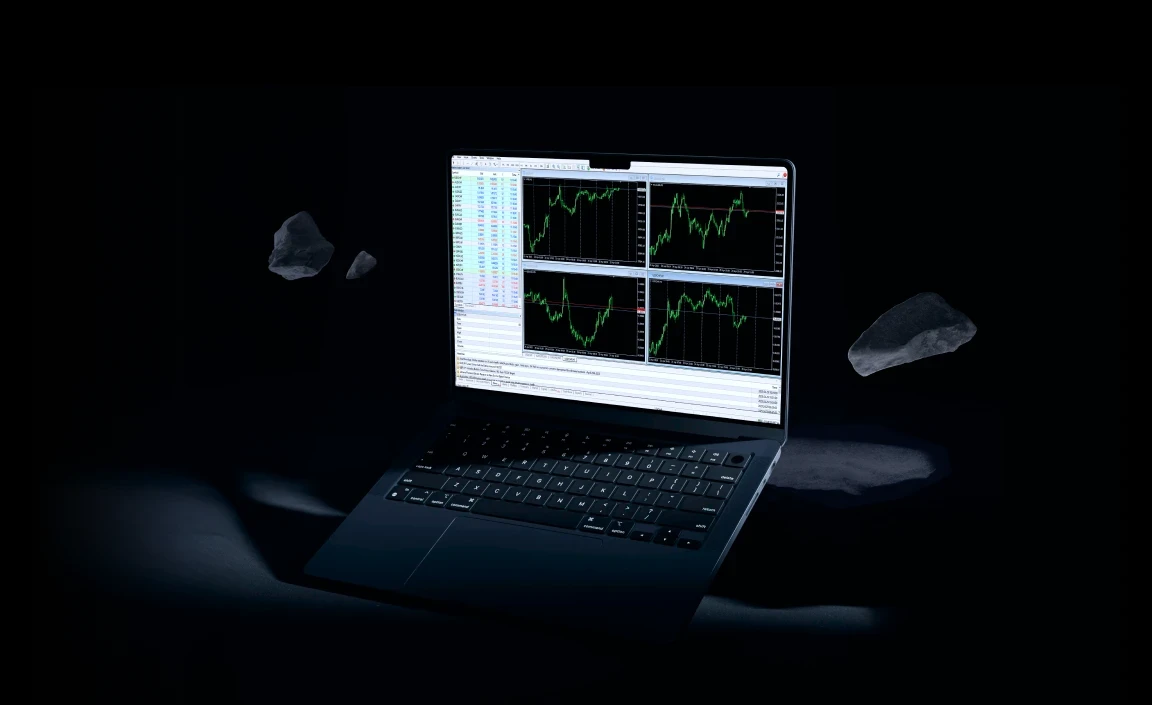
FBS — your smart
choice for MT4
Boost trading on MetaTrader 4 with
FBS’s unique advantages.

spreads as low as 0.7 pips

execution from 0.01 sec

fast transactions

24/7 support team

Advanced analysis tools

550+ trading ASSETS
Unlock MT4’s potential
an industry classic
- Perfect for beginner traders
- Chosen for interface simplicity
- One platform for all trading needs
Optimized strategies
- 30+ built-in indicators or coding of your own
- Drawing tools to customize real-time charts
- MQL4 and EAs for backtesting and auto trading
More perks of MetaTrader 4

News and Alerts

built-in chart tools

One‑click trading

Hedging available

Secure encryption

MT4 MULTITERMINAL
how to open
your MT4
account
3 simple steps to trade with FBS on MetaTrader 4, a widely used platform.
Create an FBS account
Open a Real MT4 account on the FBS site or our app and get your credentials. Verify your account for full access.
Fund your account
Deposit from $5 using 200+ secure payment methods, including global and local options.
Access MT4 & trade
Access MetaTrader 4 any way you like, log in with your account credentials, and trade for real.
Access MT4 your way
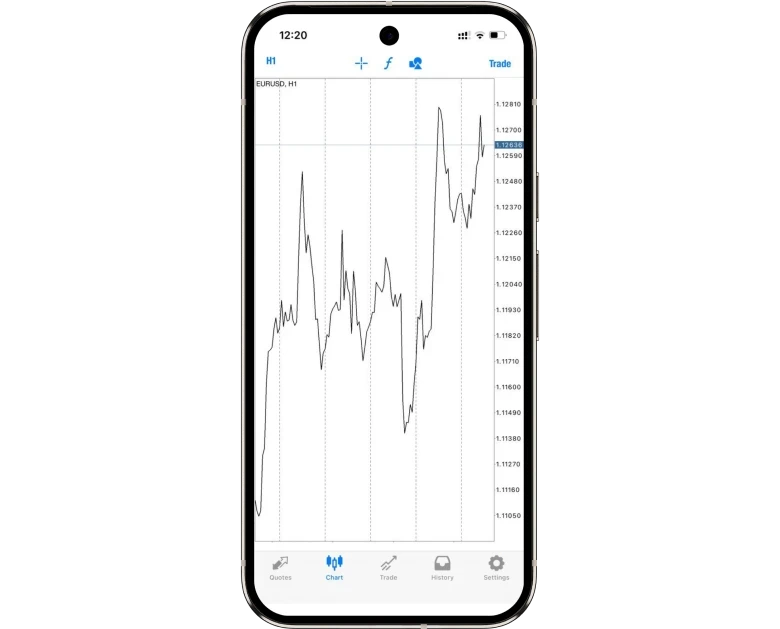
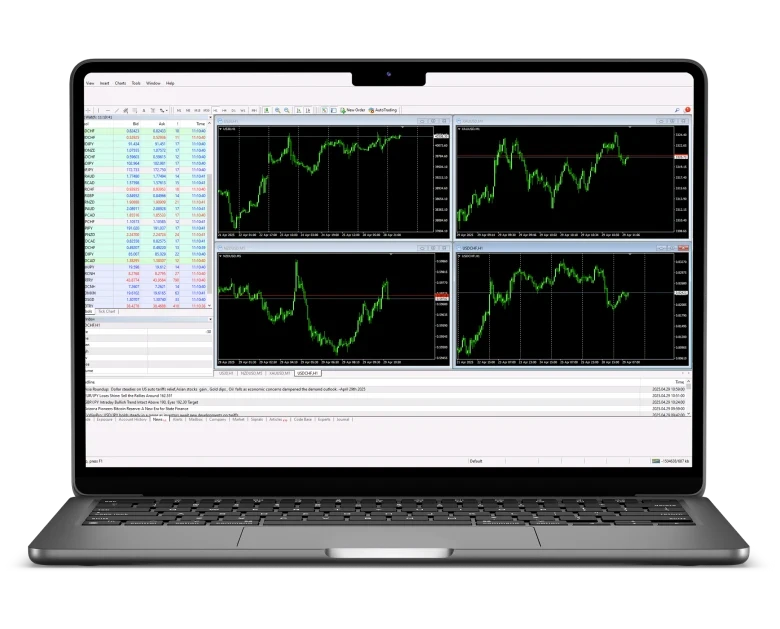

Join fbs, your trusted broker

150+ countries
with FBS presence
.svg)
27+ million clients
already a part of our community
.svg)
100+ awards
from international organizations
You asked
FBS answered
Sign up with FBS via the website or the app, open a Real MT4 account, verify it, and make a deposit. Then, download or go to MetaTrader 4 and enter your credentials into the platform to start trading for real.
The minimum deposit with FBS is as low as $5. You can fund your Real MT4 account using over 200 payment methods, including credit cards, e-wallets, bank transfers, or local options. After depositing, you can trade on MetaTrader 4 right away.
Yes, the Demo account gives you $10 000 in virtual funds for practice and lets you try all the MT4 features (indicators, chart tools, one-click trading) without risk. The Real MetaTrader 4 account uses real money, real market prices, and real risk. When you’re ready to trade with real funds, switch from demo to real.
The MT4 account lets you trade financial instruments, build technical analysis, test trading strategies, and explore market analysis tools:
- Log in to MT4 using your account credentials.
- Select a chart and apply built‑in indicators (RSI, MACD, Bollinger Bands, etc.) to analyze market trends.
- Customize and place orders, using stop-loss and take-profit, one‑click trading, or pending orders.
- Backtest strategies in the Strategy Tester to refine your Expert Advisors (EAs) and MQL4 scripts.
- Monitor virtual P&L and adjust settings to understand risk management.
FBS offers tight spreads starting from 0.7 pips and zero commission on most trades. This helps you keep trading costs low while enjoying high-speed order execution from 0.01 seconds and reliable access to global financial markets.
FBS offers you a smoother experience on the MT4 platform with competitive trading conditions:
- real-time pricing and lightening-fast order execution
- over 550 CFDs, including currency pairs, commodities, stocks, and indices
- chart analysis tools and trade ideas
- unlimited virtual funds on a free demo account to test strategies
- a secure, regulated trading environment with 24/7 live support
Whether you’re a beginner or pro trader, FBS delivers seamless, powerful user experience on MetaTrader 4.